|
BACK

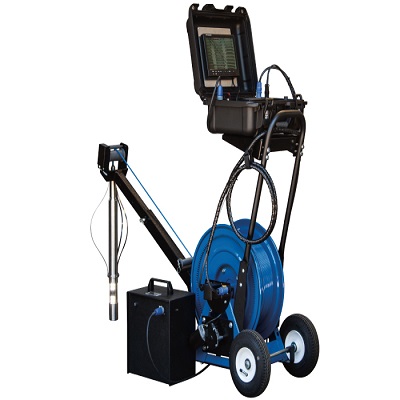
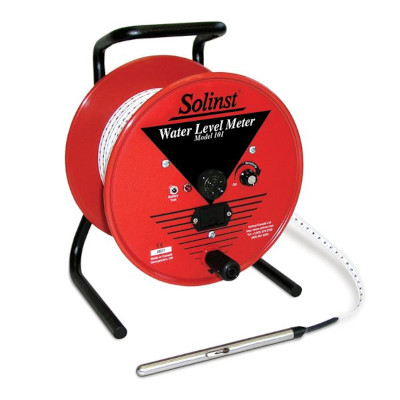
Solinst 107 TLC Meter
P/N Solinst107TLC
The TLC Meter is ideal for profiling conductivity and
temperature in wells and open water. It displays accurate
measurements of conductivity and temperature on a
convenient LCD display that rotates for ease of reading.
Water level and probe depth measurements are read off
the accurate Solinst flat-tape marked every 1/100 ft. or each
millimeter.
TLC Meter Temperature, Level, Conductivity
Conductivity Made Easy
- Accuracy is to the greater of 30 µS or 2% of reading
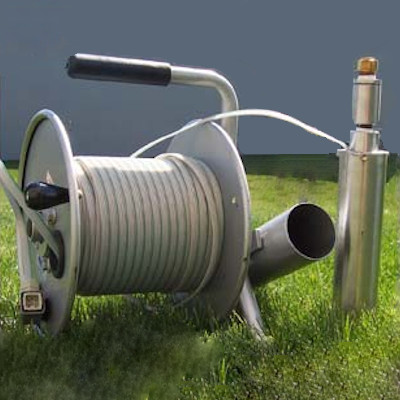
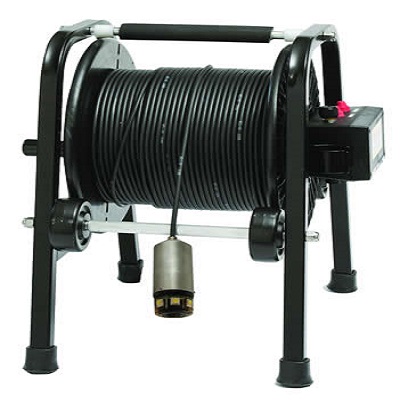
- Rugged Solinst reel and accurate tape
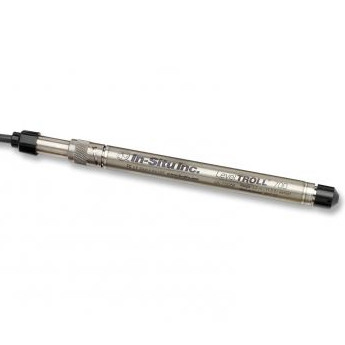
- Lengths to 300 ft. (100 m), probe dia. is 3/4" (19 mm)
- Display that rotates for easy reading
- Standard 9V alkaline battery gives 90 hrs. of use
- Auto-Off after 8 minutes
Applications
- Profiling conductivity and temperature in wells and open water
- Salinity studies
- Saltwater intrusion investigations
- Testing for water quality impairments from road salt
- Tracer tests
- General indication of chemical contamination level
- Early warning of changes in water quality at:
- Landfills
- Industrial Sites
Conductivity Measurements
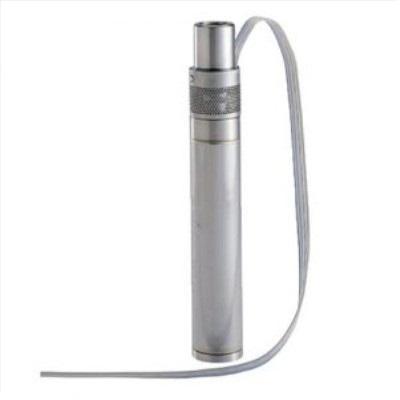
The TLC Meter uses a ‘smart’ conductivity sensor with
platinum electrodes to read conductivity from 0 – 80,000 µS.
The conductivity is displayed on the rotating screen along
with the associated temperature measurement. The ‘smart’
conductivity probe displays conductivity automatically
standardized to 25°C, i.e. specific conductance. The
conductance temperature coefficient is 2.0% per °C.
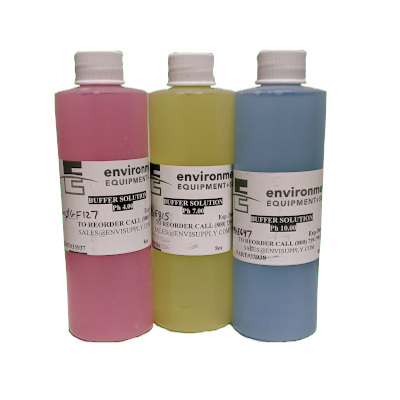
Calibration is simple, using 1413 µS and 80,000 µS solutions
for single or two point conductivity calibration.
Temperature Measurements
The TLC Meter operates in a range from –15°C to +50°C
(23°F to 122°F). You may choose to have the readings
displayed on the LCD screen in °C or °F. Accuracy is
+/- 0.3°C in Celsius, or +/-0.5°F in Fahrenheit. Conductivity
measurements are temperature sensitive. The ‘smart’ TLC
probe automatically adjusts the measured conductivity values
to display as specific conductance. This provides standardized
repeatably comparable measurements.
When the probe is turned on, the LCD screen displays both
conductivity and temperature. A short wait of 20 seconds per
degree Celsius of temperature change is required for the
measurements to stabilize at each desired depth, before
recording the three measurements.
Level and Depth Measusrements
When the zero point of the probe enters water, an electric
circuit is completed, briefly activating a buzzer and blanking
out the screen for about 1 second. The depth to water is then
read off the tape. When the TLC Meter is withdrawn from
the water, a short buzz gives a warning that the probe is now
out of water.
A Tape Guide/Datum allows the depth measurement to be
read at the marked position on the Tape Guide, to give
reliable, repeatable, accurate depth measurements when
profiling a well. The Tape Guide protects the tape from
damage on rough edges of well casing.
High Quality Tape
The high quality polyethylene tape reels smoothly,
remains flexible and hangs straight in the well, irrespective of
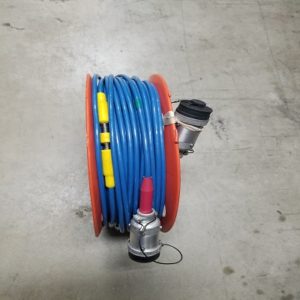
temperature. The tape is mounted on a sturdy,
well-balanced Solinst reel, with a convenient battery drawer for
the 9 Volt alkaline battery. Permanent markings each
1/100 ft. or millimeter allow accurate readings.
Stranded stainless steel conductors resist corrosion, provide
strength and are non-stretch. They make the tape very easy
to repair and splice. The dog-bone design reduces adherence
to wet surfaces.
Display Menu
The display menu is simple to operate. When the unit is
turned on, it will begin to display electrical conductivity
and temperature readings, in or out of water. If the
ON button is held down for 2 seconds and released, the
display moves to the next menu item and so on, through
4 windows.
The second window allows the user to turn the
TLC Meter off, however, the meter also automatically turns
off after 8 minutes to extend battery life. The following
window brings up the calibration option. The fourth window
allows the user to choose Fahrenheit or Celsius for the
temperature display.
The menu then cycles back to display the current readings.
Press the ON button two times quickly in any given screen to
achieve the displayed action.
|